Preparing Your Revit Model for Coordination: The Cost of Unprepared Models
The quality of a Revit model submission directly determines the cost and duration of the BIM coordination process. A well-prepared model — correctly classified, accurately sized, properly positioned, and submitted at the right revision — moves through coordination with minimal friction. An unprepared model consumes coordinator hours on cleanup work that adds cost without adding value.
The quality of a Revit model submission directly determines the cost and duration of the BIM coordination process. A well-prepared model — correctly classified, accurately sized, properly positioned, and submitted at the right revision — moves through coordination with minimal friction. An unprepared model consumes coordinator hours on cleanup work that adds cost without adding value.
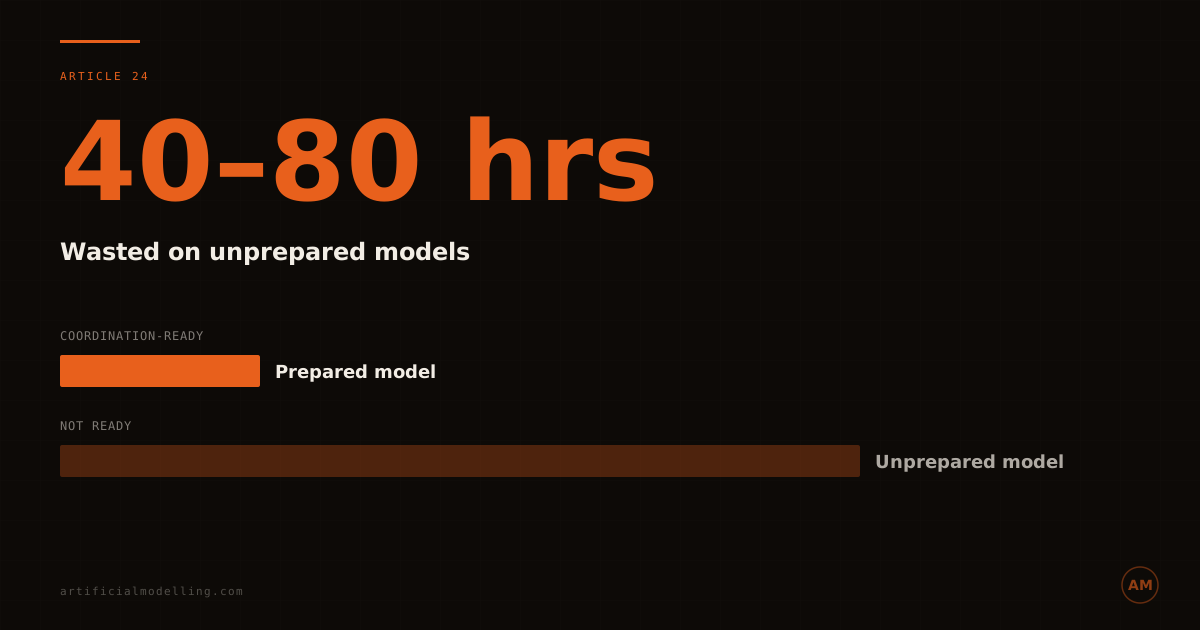
Industry experience indicates that unprepared model submissions add 40–80 hours of coordinator effort per project. At coordinator hourly rates of €60–€100 (PowerKH, 2025 — US market data), this represents €2,400–€8,000 in wasted cost per project. On a multi-discipline project with 4–6 trade models, each requiring cleanup, the cumulative waste reaches €10,000–€48,000 — a significant portion of the total coordination fee spent on work that should never have been necessary.
The 8-Point Preparation Checklist
1. Shared Coordinates — 5 Minutes That Save Hours
Verify your model is positioned correctly relative to the project origin point. A model offset by even 1 metre from the coordination model's origin generates false clashes at every element location. The coordinator spends 2–4 hours investigating and dismissing these false positives before productive coordination can begin.
2. System Classification — The Foundation of Automated Detection
Every element must have a correct system type. Supply air, return air, exhaust air, chilled water supply, chilled water return, domestic hot water, domestic cold water — each system type needs to be correctly assigned. Unclassified elements bypass automated clash rules, meaning genuine clashes go undetected.
3. Insulation and Clearances — Model What Gets Installed
Model your services at installed dimensions, including insulation thickness. A 100mm copper pipe with 25mm insulation has an installed diameter of 150mm. If modelled at 100mm, the coordination shows 50mm of clearance that does not exist. This generates site clashes at every location where the unmodelled insulation conflicts with adjacent services.
4. Connection Points — Where Most Clashes Live
Include all connection points to other trades: tee-offs, branches, drops, valves, and equipment connections. The main runs typically coordinate without issue. The connection points — where your services transition from horizontal to vertical, or connect to equipment — are where 60–70% of coordination clashes occur.
5. Equipment Clearances — Not Just the Box
Model equipment with maintenance access clearances, not just the equipment footprint. A fan coil unit needs filter-pull clearance. A valve needs operating clearance. A pump needs removal clearance. Without these clearances modelled, the coordination shows equipment fitting perfectly — but the maintenance team cannot access it after installation.
6. Correct Families — No Placeholder Geometry
Use Revit families that represent the actual equipment being installed, not generic placeholder families. A placeholder family with approximate dimensions creates clashes that disappear when the real family is substituted — and reveals new clashes that were hidden. This wastes an entire coordination cycle.
7. Current Revision — Coordinate What Is Current
Submit your model at the revision that matches the current coordination cycle. A model two revisions behind produces clash results that are already resolved in the current design — wasting coordinator time investigating issues that no longer exist.
8. Workset and Phase Discipline — Clean Data for Clean Results
Ensure elements are on correct worksets and assigned to correct phases. Elements on incorrect worksets may be filtered out of coordination views. Elements assigned to wrong phases produce ghost clashes against elements in different construction phases.
The Cost of Each Failure
| Preparation Failure | Coordinator Hours Wasted | Cost at €80/hr |
|---|---|---|
| Shared coordinates offset | 2–4 hours | €160–€320 |
| Missing system classifications | 8–16 hours | €640–€1,280 |
| Uninsulated model | 4–8 hours | €320–€640 |
| Missing connection points | 6–12 hours | €480–€960 |
| No equipment clearances | 4–8 hours | €320–€640 |
| Placeholder families | 8–16 hours | €640–€1,280 |
| Outdated revision | 4–8 hours | €320–€640 |
| Workset/phase errors | 4–8 hours | €320–€640 |
| Total (all failures) | 40–80 hours | €3,200–€6,400 |
FAQ
How much time does model preparation save?
Properly preparing a Revit model for coordination saves 40–80 coordinator hours per project. At €60–€100/hr, this is €2,400–€8,000 in direct savings.
What is the most critical preparation step?
System classification is the most impactful. Without correct system classifications, automated clash detection rules cannot function properly, and genuine clashes go undetected while false positives waste time.
Artificial Modelling provides model submission guidelines to every trade on every project. Fixed-price coordination starts with clean inputs. Start a project →